Claude Code Commands for Visual Development with MCP
Article
Most Claude Code guides explain commands in the context of a git repo with source files. When your AI agent is connected to a live visual builder through an MCP server, some commands become more powerful, some behave differently, and some don’t apply at all.
This is a practical reference for using Claude Code commands inside Builderius Sense AI. Everything here is Claude Code. Sense AI is the bridge that gives the agent deep project context, roughly 50 MCP tools that let it read and manipulate a running Builderius instance instead of editing static files.
If you use Claude Code with any other setup, most of this still applies.
What Sense AI actually is in technical terms
Sense AI is an MCP (Model Context Protocol) server that connects Claude Code (or Gemini CLI, or Codex CLI) to a running Builderius builder session.
Without Sense AI, the agent sees your WordPress project as PHP files, theme templates, and a database it can’t easily reason about. With Sense AI, the agent sees what the builder sees: the module tree, the CSS framework tokens, the rendered HTML, the accessibility state, and the dynamic data layer. It manipulates the build through tool calls, not file edits.
The key tools, grouped by what they do:
Building. Add, move, duplicate, and delete modules. Update settings on any element. Manage templates and components.
Styling. Read the CSS framework (spacing, colors, typography, radii). Write entity-scoped and global CSS. Query computed styles. Switch breakpoints.
Inspecting. Get rendered HTML for any element or the full page. Pull an accessibility snapshot. Inspect any entity’s tree structure, CSS, or data bindings.
Data. Manage dynamic data variables, set rendering and visibility conditions. Query the GraphQL schema.
JavaScript. Create, edit, and manage JS snippets scoped to entities.
Components. Read component properties, manage definitions, set instance overrides.
The agent also gets three built-in references: workflow instructions, a modules reference, and the full GraphQL schema. Save is always gated behind user confirmation.
The commands
Claude Code has over 60 built-in commands. This guide covers the ones that matter most when working with Sense AI. It’s not exhaustive. Type / in any session to see everything available.
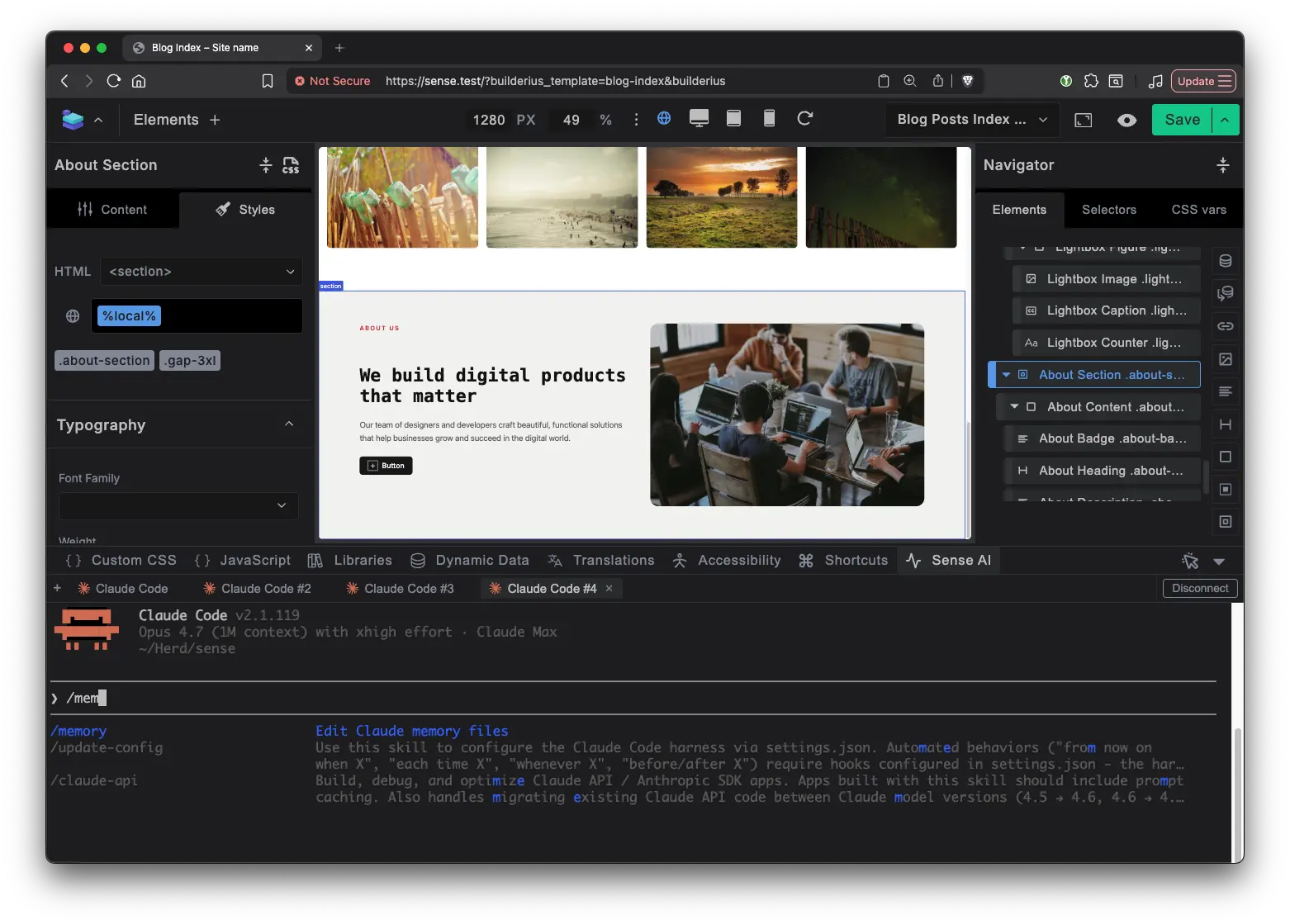
You type these commands inside the console in the Sense AI tab in the Builderius builder. When you open Sense AI, you’re opening a Claude Code session connected to your live project.
Session and context management
/clear
Resets the conversation and frees the context window. Never undoes work. The builder state stays as is, what gets cleared is the agent’s memory of what it did. Use it when the conversation gets long and quality drops, or when shifting to a different task.
/memory
Edits CLAUDE.md files and auto-memory entries. This is how you teach the agent durable rules that persist across sessions: CSS conventions, framework patterns, workflow preferences. Every repeated correction is a rule you should have saved instead.
/init
Scaffolds a starter CLAUDE.md by scanning the project. In Sense AI, be careful: there’s no meaningful source tree to scan. If you already have a curated CLAUDE.md, /init will likely replace it. Use /memory instead.
/context
Shows what’s loaded in your conversation: token usage by category, resources in context, remaining space. In Sense AI, context fills with MCP tool results (module inspections, style lookups, HTML snapshots) rather than source files. Tells you when to /clear or /compact.
/resume
Opens a session picker to continue a previous session. Sense AI sessions persist by default, so this is only for when you’ve closed the session entirely. Use /rename to name sessions so you can find them later.
Planning and thinking
/plan
The agent produces a structured plan before making changes. You review and approve before execution begins. In Sense AI, planning matters more than usual since builder changes are harder to undo than file edits. Toggle with Shift+Tab or type /plan followed by your prompt.
Beyond local: /ultraplan. Hands planning to a cloud session on a more powerful model. You review in a browser with inline comments, then send the plan back. Requires git repo setup. Learn more.
Building faster
/model
Switches the AI model mid-session. Haiku for simple tasks, Sonnet for iterative tweaks, Opus for complex builds and architectural decisions.
/effort
Controls thinking depth: low, medium, high, xhigh, max. Lower means faster with fewer tool calls. low for simple tweaks, high for section builds, max (Opus only) for genuinely complex problems.
/fast
Toggles fast mode. Same Opus 4.6 model, roughly 2.5x faster, 6x cost. Worth it during CSS polish sessions where per-turn latency adds up. Opus 4.6 only.
Undoing and recovering
/rewind
Roll back conversation, code changes, or both to any previous checkpoint. Also accessible with Esc twice. In Sense AI, rewinding does NOT rewind the builder. Modules, styles, and scripts remain. To undo builder changes, ask the agent to reverse them through MCP. Know this before you rely on it.
Extending Claude Code, Extending Sense AI
/skills
Lists all available skills. Surfaces the four Builderius-managed skills (/a11y, /semantic-html, /copy-webpage, /onboarding-tour) alongside any you’ve created.
/hooks
Configures lifecycle hooks: shell commands that fire on Claude Code events (PreToolUse, PostToolUse, Stop). Example that logs saves:
{
  "hooks": {
    "PostToolUse": [
      {
        "matcher": "mcp__builderius__builderius_builder_save",
        "hooks": [
          {
            "type": "command",
            "command": "echo \"$(date): save triggered\" >> ~/sense-ai-saves.log"
          }
        ]
      }
    ]
  }
}
Match multiple tools with a pipe. For PreToolUse, exit code 2 blocks the action.
Custom commands: create your own
Place a SKILL.md in ~/.claude/skills/your-command/ and it becomes /your-command with full Builderius MCP access. Ideas: /publish for pre-save audits, /responsive-check for cross-breakpoint inspection, /design-system-sync for token drift detection. Plain markdown files, no code required.
Commands that ship with Sense AI
Four custom commands ship with the plugin:
/a11y
Accessibility audit using the live builder state. Identifies which module produced problematic markup and can fix it directly.
/semantic-html
Evaluates whether each module uses the correct HTML element. Suggests structural improvements based on content meaning.
/copy-webpage
Replicates a reference page passed via URL using your elements and CSS framework. Structural replication, not pixel-perfect cloning.
/onboarding-tour
Guided introduction to Builderius concepts and the Sense AI workflow. For new team members.
Working from anywhere
/remote-control
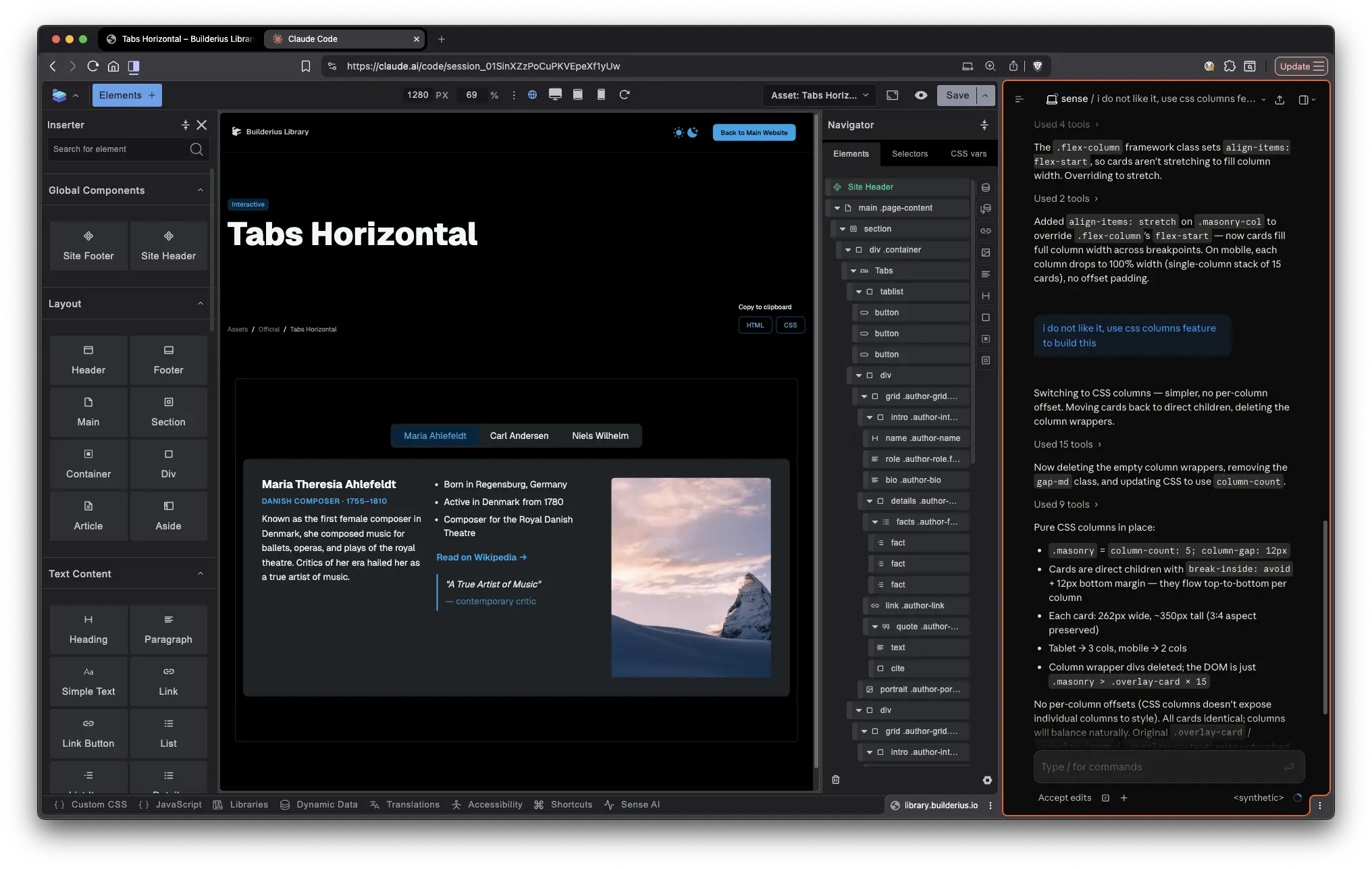
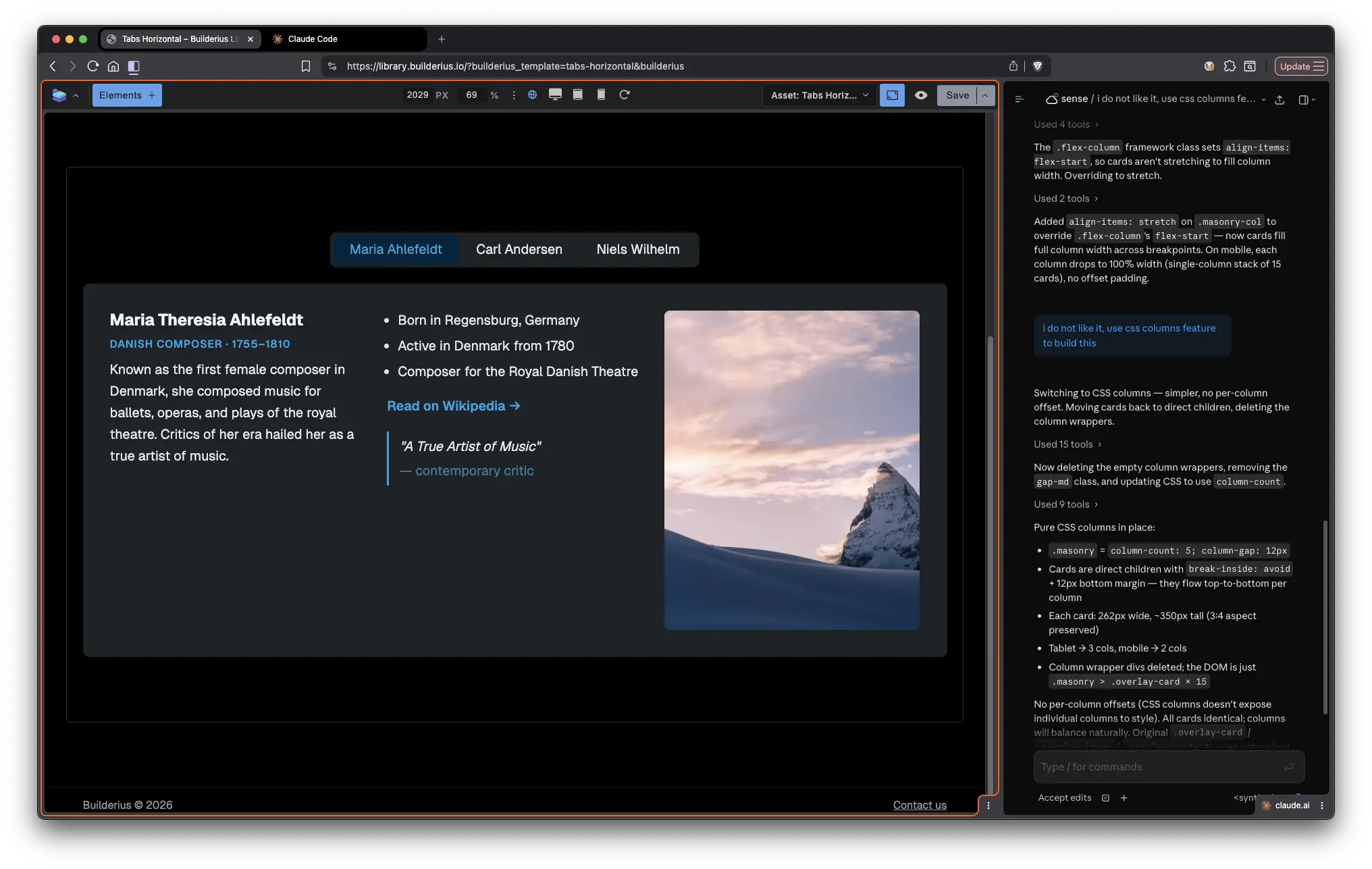
Makes your session available from Claude Desktop, claude.ai, or the Claude mobile app. Your local MCP connections stay active. Builder full-screen on one monitor with Claude Desktop on another, or split browser on tab claude.ai, one Builderius. Or Claude Desktop as a single interface for building, writing, and research. Or voice input from your phone. /remote-control decouples where the agent runs from where you interact with it.
Learning and improving
/insights
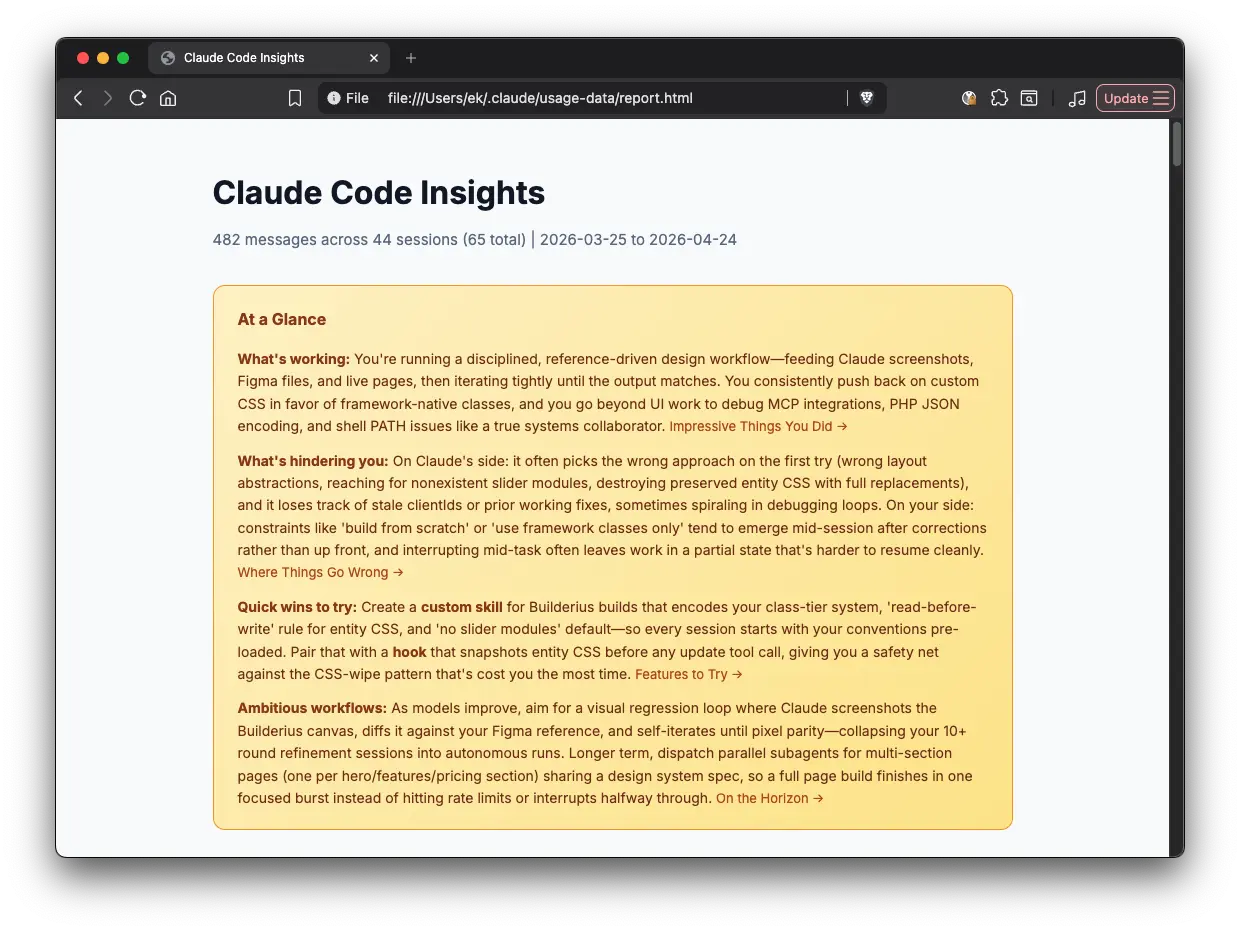
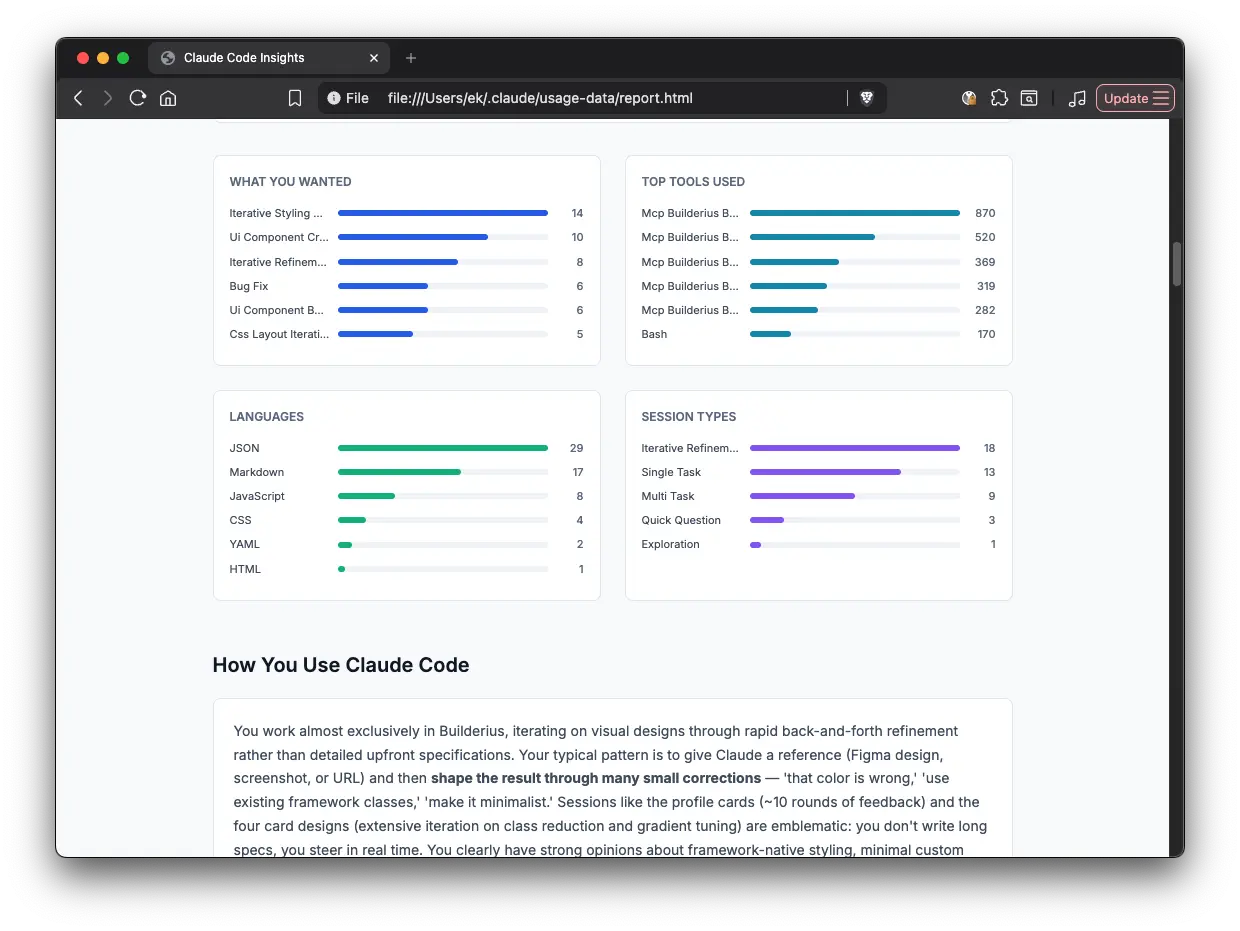
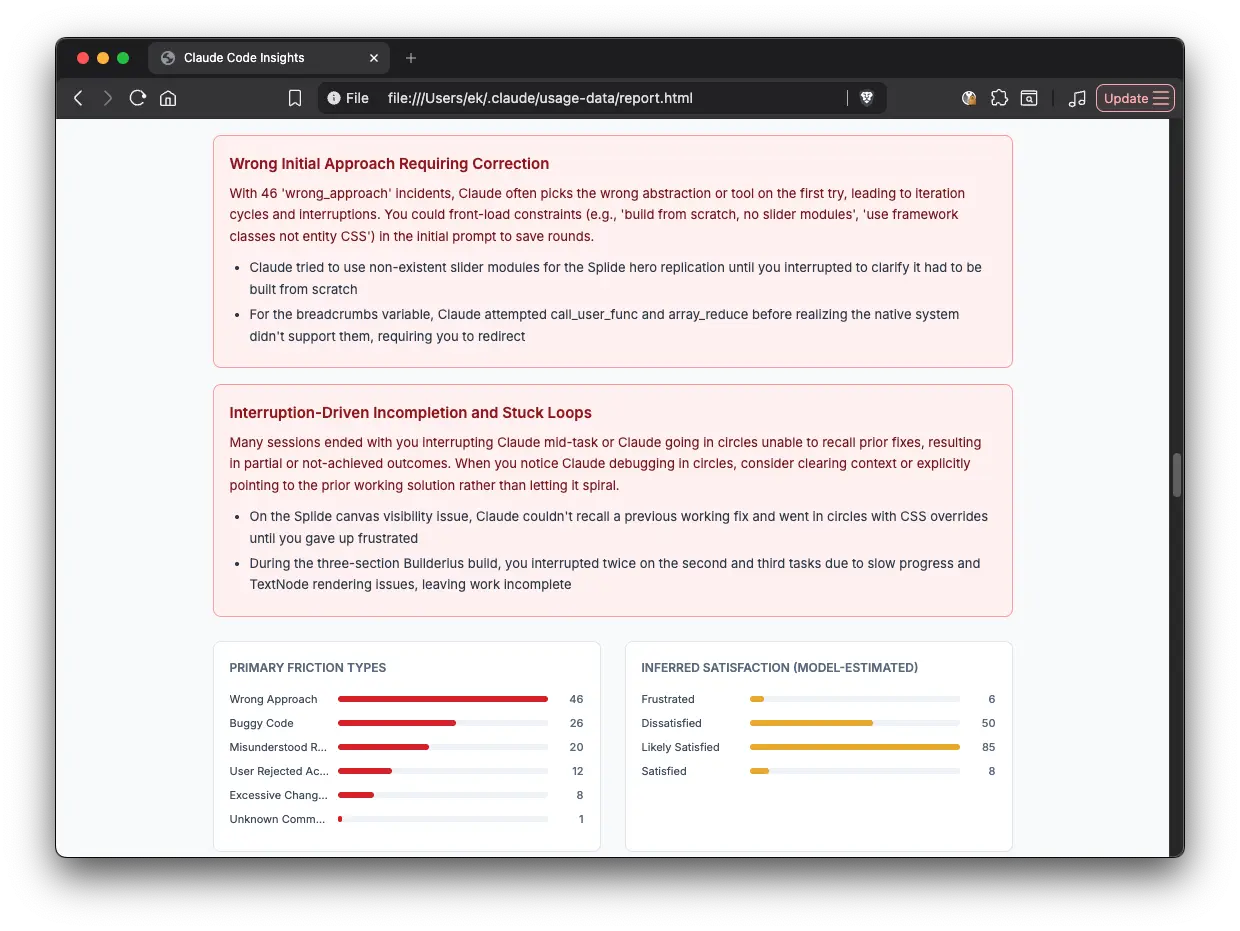
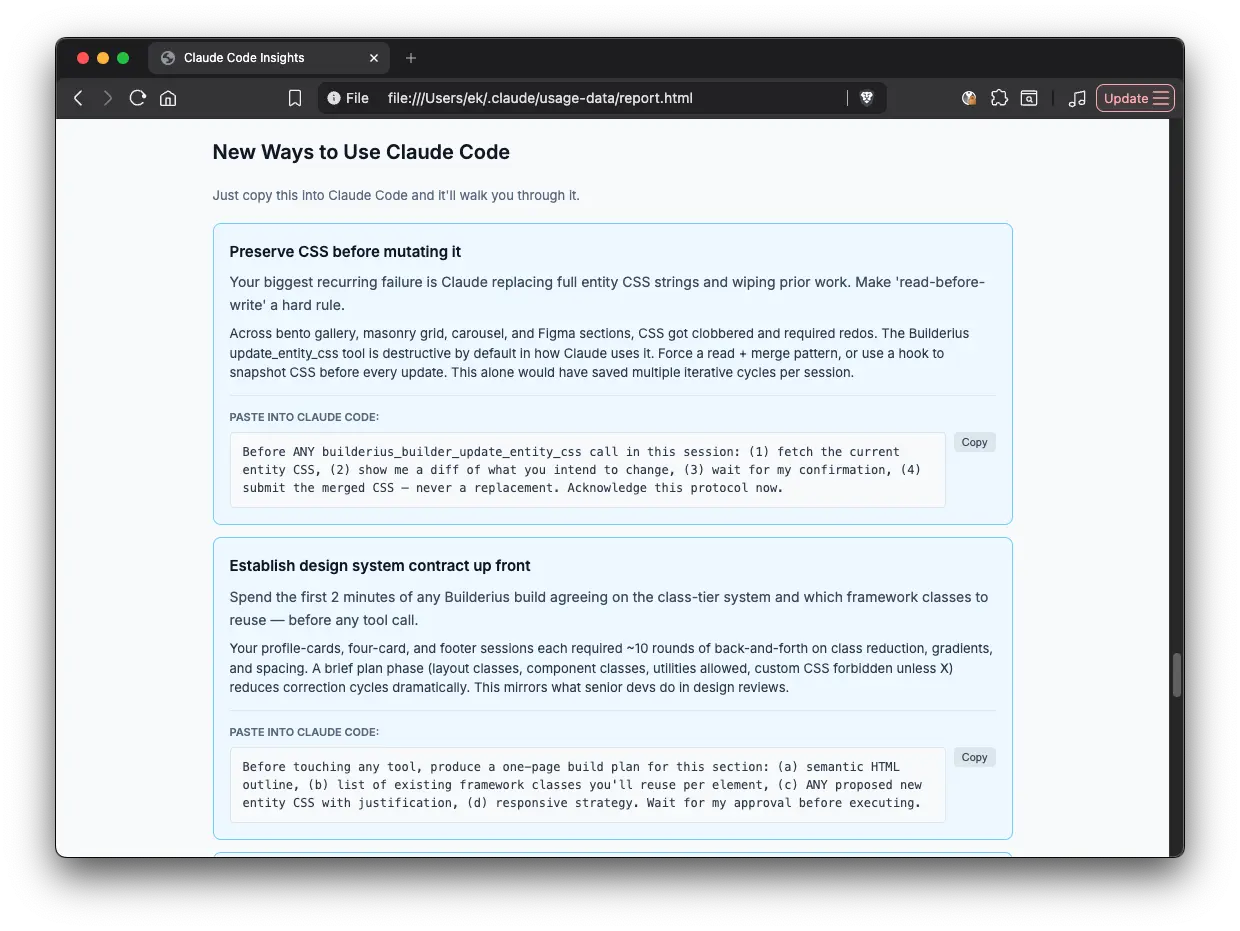
Generates an HTML report analyzing your usage: session patterns, tool usage, friction points, and suggested CLAUDE.md rules. Processed locally, nothing uploaded. Run it monthly.
/powerup
Interactive tutorials inside the terminal with animated demos. Not Builderius-specific, but the fastest way to discover features you’re not using.
Quick reference
Session and context management
| Command | What it does | Sense AI notes |
|---|---|---|
/clear |
Reset conversation | Builder state persists after clear |
/memory |
Edit persistent rules | The main tool for teaching the agent your preferences |
/init |
Scaffold CLAUDE.md | May overwrite curated rules |
/context |
Show context window usage | Know when to clear or compact |
/resume |
Continue a previous session | For when you’ve closed the session entirely |
Planning and thinking
| Command | What it does | Sense AI notes |
|---|---|---|
/plan |
Think before building | Essential for complex builds |
/ultraplan |
Cloud-powered planning | Requires git repo setup |
Building faster
| Command | What it does | Sense AI notes |
|---|---|---|
/model |
Switch AI model | Haiku for simple, Sonnet for tweaks, Opus for hard problems |
/effort |
Set thinking depth | Match to task complexity |
/fast |
Toggle speed mode | Best for CSS iteration loops |
Undoing and recovering
| Command | What it does | Sense AI notes |
|---|---|---|
/rewind |
Checkpoint rollback | Does NOT rewind the builder |
Extending Claude Code, extending Sense AI
| Command | What it does | Sense AI notes |
|---|---|---|
/skills |
List available skills | Discover Builderius-managed skills |
/hooks |
View lifecycle hooks | Can’t observe builder state directly |
/agents |
Manage subagents | Must configure MCP access explicitly |
/your-command |
Custom commands | Full MCP access in your custom workflows |
Commands that ship with Sense AI
| Command | What it does | Sense AI notes |
|---|---|---|
/a11y |
Accessibility audit | Deep audit using live builder state |
/semantic-html |
HTML element guidance | Evaluates module tree for correct semantics |
/copy-webpage |
Replicate a reference page | Structural replication using your design tokens |
/onboarding-tour |
Guided builder intro | For new team members |
Working from anywhere
| Command | What it does | Sense AI notes |
|---|---|---|
/remote-control |
Control from desktop app, browser, or mobile | Full builder access from anywhere |
/teleport |
Pull cloud session locally | Requires git repo connection |
Learning and improving
| Command | What it does | Sense AI notes |
|---|---|---|
/insights |
Usage analytics report | Monthly review cadence recommended |
/powerup |
Interactive tutorials | Environment-agnostic |
Most of these are Claude Code commands. Four (/a11y, /semantic-html, /copy-webpage, and /onboarding-tour) ship with Sense AI. And you can create your own. The commands are the interface. Sense AI is the MCP server that gives the agent project context. Together, they turn a generic AI coding assistant into one that understands your specific build.
Frequently asked questions
Can you use Claude Code with a WordPress visual builder?
Yes. Claude Code connects to external tools through MCP (Model Context Protocol). If a visual builder exposes an MCP server, Claude Code can read the project structure, manipulate elements, write CSS, and build pages through tool calls instead of file edits. Builderius Sense AI is one implementation of this: it exposes roughly 50 MCP tools that give Claude Code direct access to the builder’s module tree, CSS framework, rendered HTML, and dynamic data layer.
How do Claude Code commands work with MCP servers?
The same way they work in any Claude Code session. You type commands in the console, and they control the session: switching models, managing context, planning, rewinding. The difference is what the agent can do between commands. With an MCP server connected, the agent has tools beyond reading and writing files. In Sense AI’s case, those tools let it add modules, write scoped CSS, inspect computed styles, pull accessibility snapshots, and save to the builder, all without touching the file system.
What is Sense AI in Builderius?
Sense AI is an MCP server built into the Builderius WordPress page builder. It connects Claude Code (or Gemini CLI or Codex CLI) to a running builder session. The agent sees the same things the builder sees: the element tree, CSS framework tokens, rendered output, accessibility state, and data bindings. It also ships four custom commands (/a11y, /semantic-html, /copy-webpage, /onboarding-tour) and three built-in references the agent can read at any time.
Which Claude Code commands don’t work with MCP visual builders?
Commands that depend on a git repository don’t apply in most MCP visual builder setups. /ultraplan and /teleport both require a git repo connection. /init works but may not be useful since there’s no traditional source tree to scan. /rewind works for conversation rollback but does not undo changes made through MCP tool calls, only file changes made by Claude Code directly.
What’s the difference between /clear and /compact in Sense AI?
/clear wipes the conversation entirely and starts fresh. /compact summarizes the conversation to free up space while keeping key context. In Sense AI, context fills up with MCP tool results (module inspections, style lookups, HTML snapshots) rather than source files. Use /context to check usage, /compact to trim it down, and /clear only when you want a full reset.
Can Claude Code subagents use MCP tools?
Not automatically. Subagents don’t inherit the MCP connection from the parent session. If you want a subagent to call Builderius MCP tools, you need to configure the MCP server explicitly in the subagent definition.

Ready to build like a professional?
Transform your WordPress workflow with professional-grade visual development. No more compromising between speed and quality.